Hard Drive Full - How to Free Space
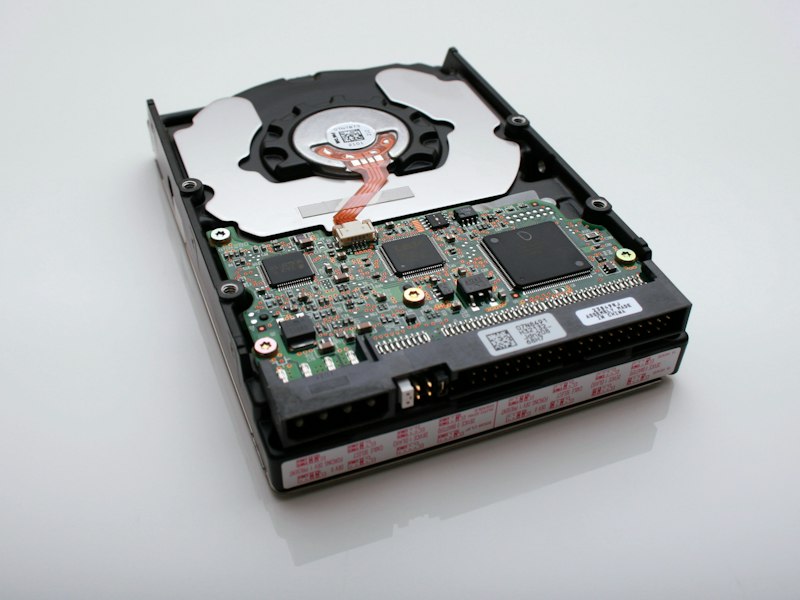
Effective methods to free up storage space on your hard drive.
Run Disk Cleanup:
Search for Disk Cleanup. Select drive C. Check all options and clean. Click "Clean up system files" for more space.
Uninstall Unused Programs:
Settings > Apps > Installed apps. Sort by size. Remove applications you no longer use. This often frees significant space.
Clear Downloads Folder:
The Downloads folder accumulates forgotten files. Sort by date and delete old items. Move important files elsewhere first.
Enable Storage Sense:
Settings > System > Storage > Storage Sense. Enable automatic cleanup. Deletes temporary files periodically.
Move Files to Cloud:
OneDrive and Google Drive free local space. Enable Files On-Demand for automatic optimization. Keep files accessible without local storage.
Analyze with WinDirStat:
Free tool visualizes disk usage. Shows exactly what consumes space. Helps identify large files to delete or move.
Conclusion:
Disk Cleanup and uninstalling programs are the quickest wins. For long-term solutions, consider larger storage or cloud solutions.


