RAM Not Running at Full Capacity
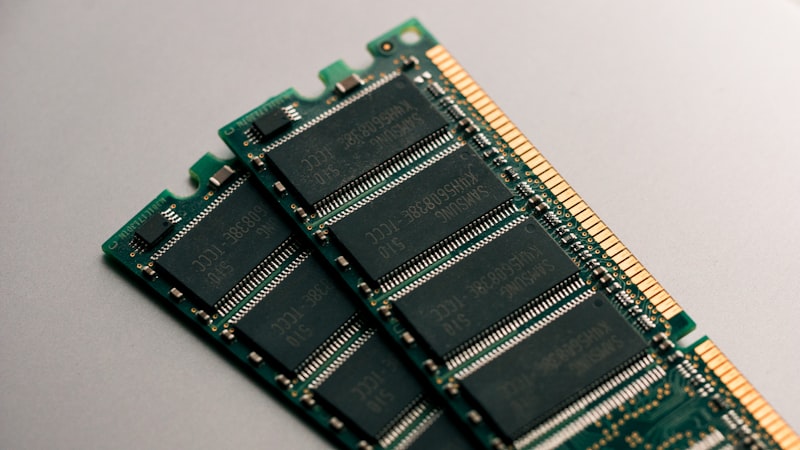
Fix system showing less RAM than installed.
Check Task Manager:
Ctrl+Shift+Esc > Performance > Memory. How much is "Hardware Reserved"? Large amounts indicate configuration issues.
Check msconfig:
Type msconfig in Run. Boot > Advanced > Ensure "Maximum memory" is unchecked. This setting can artificially limit RAM.
Verify Windows Architecture:
32-bit Windows only supports 4GB maximum. Confirm you're running 64-bit for full RAM access.
BIOS Settings:
Check all RAM sticks appear in BIOS. Enable Memory Remap Feature if available. Consult motherboard manual.
Reseat RAM Modules:
Turn off and unplug computer. Remove and reinstall RAM firmly. Listen for the click indicating proper seating.
Test Individual Sticks:
Boot with one RAM stick at a time. Test each individually. Identifies if specific module is faulty.
Conclusion:
msconfig and BIOS are common causes. Improper seating or faulty modules require physical attention.


