Mouse Not Working - Troubleshooting
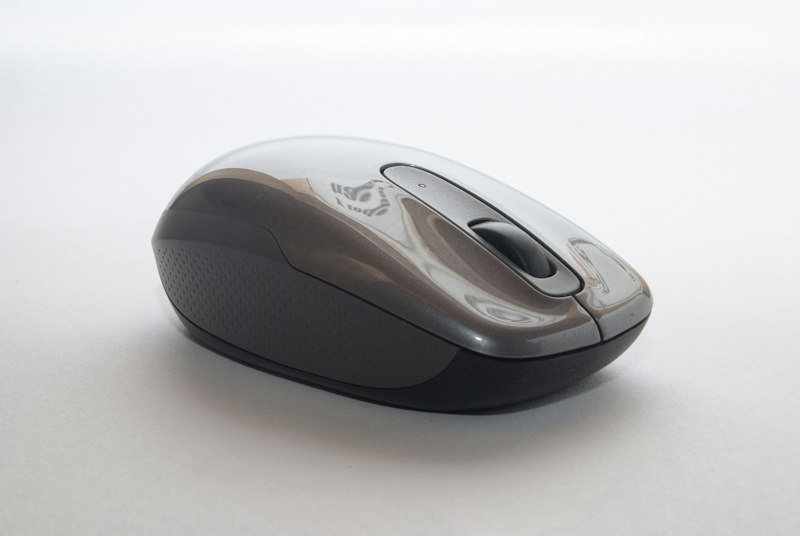
Fix mouse problems from complete failure to erratic behavior.
Try Different USB Port:
Simple first test. USB ports can fail. Try different ports, preferably on the back of desktop computers.
Test on Another Computer:
Determines if mouse or computer is the problem. Working elsewhere means computer issue. Not working means mouse issue.
For Wireless Mouse:
Check batteries first—most common cause. Re-pair the USB receiver. Keep receiver close to mouse to avoid interference.
For Bluetooth Mouse:
Toggle Bluetooth off and on. Remove mouse and pair again. Check if Bluetooth adapter is working.
Update Mouse Driver:
Device Manager > Mice and pointing devices > Update driver. Or uninstall and restart for automatic reinstallation.
Clean the Mouse:
Optical sensors get dusty. Clean the bottom lens carefully. Ensure the surface you're using works with the sensor type.
Conclusion:
Port changes and batteries solve most issues. Wireless mice are more prone to problems than wired ones.


