GPU Not Working Properly - Fixes
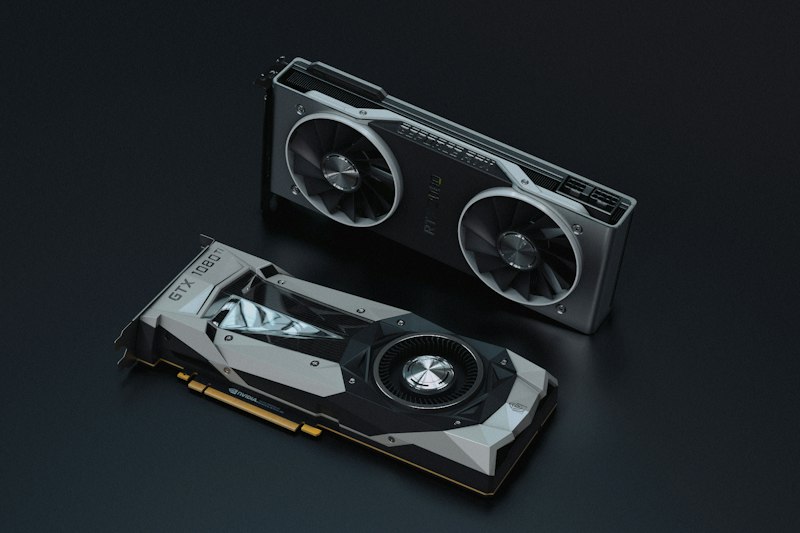
Troubleshoot graphics card issues from detection to performance.
Check Physical Connection:
Ensure GPU power cables are connected securely. Modern GPUs need 6-pin or 8-pin power connectors. Check card is seated properly in PCIe slot.
Update or Reinstall Drivers:
Use DDU (Display Driver Uninstaller) for clean removal. Install latest drivers fresh. Solves most software-related GPU issues.
Check Device Manager:
Does GPU appear? Is there a warning symbol? Update driver or disable/enable the device. Missing GPU indicates hardware issue.
BIOS Settings:
Ensure Primary Display is set to PCIe. Some boards need manual GPU enabling. Check motherboard documentation.
Monitor Temperature:
Overheating causes throttling and crashes. Use HWiNFO to monitor temps. Clean fan and consider repasting thermal compound.
Stress Test:
Run FurMark to test stability. Crashes indicate hardware problems. Compare benchmarks to expected performance.
Conclusion:
DDU with clean driver installation resolves most issues. Physical problems require inspection or replacement.


